

A flip clock
for your desk
Make your day simpler and smarter. A clean flip clock with weather, air quality, a D-day countdown, a calendar and a timer — the essential desk app.
Free iOS app for iPhone · iPad
Screenshots
Features
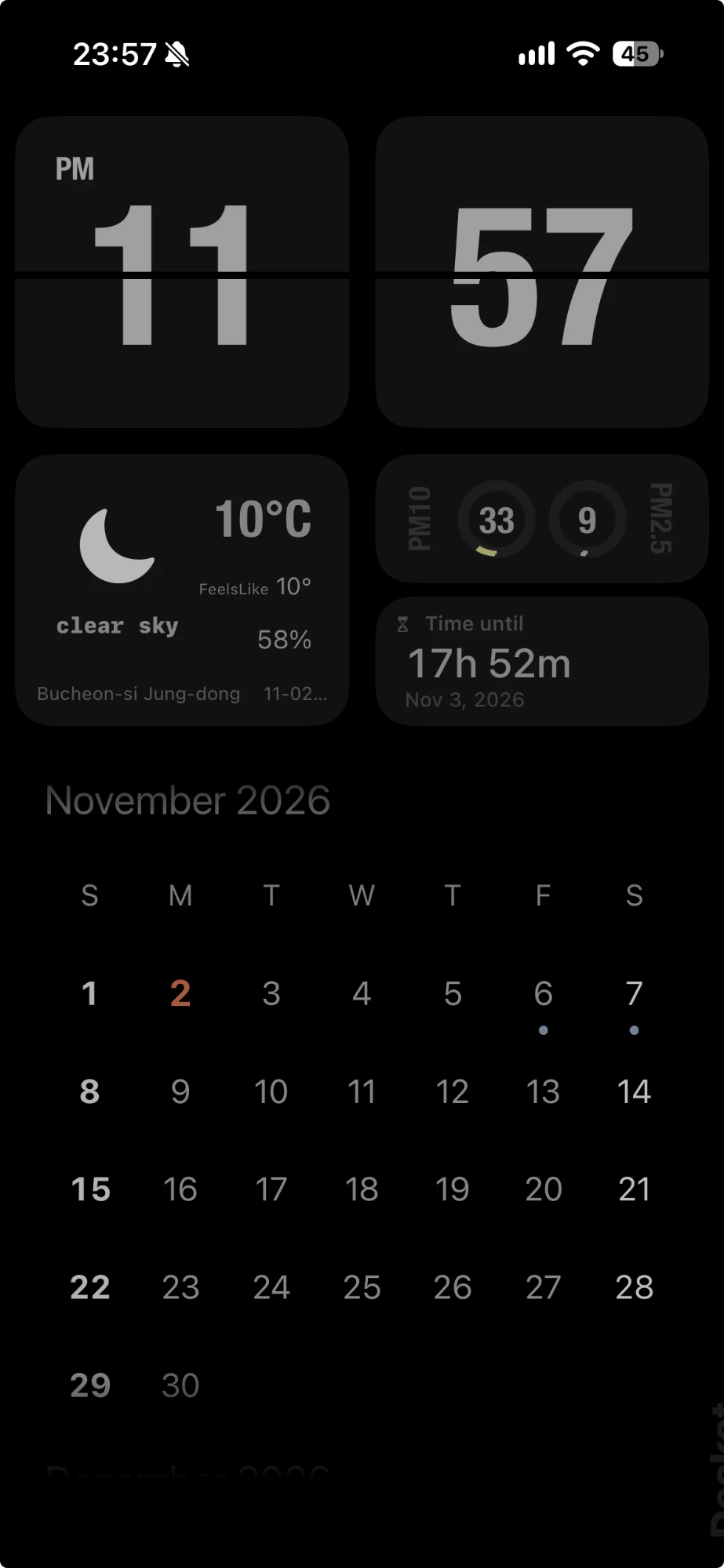
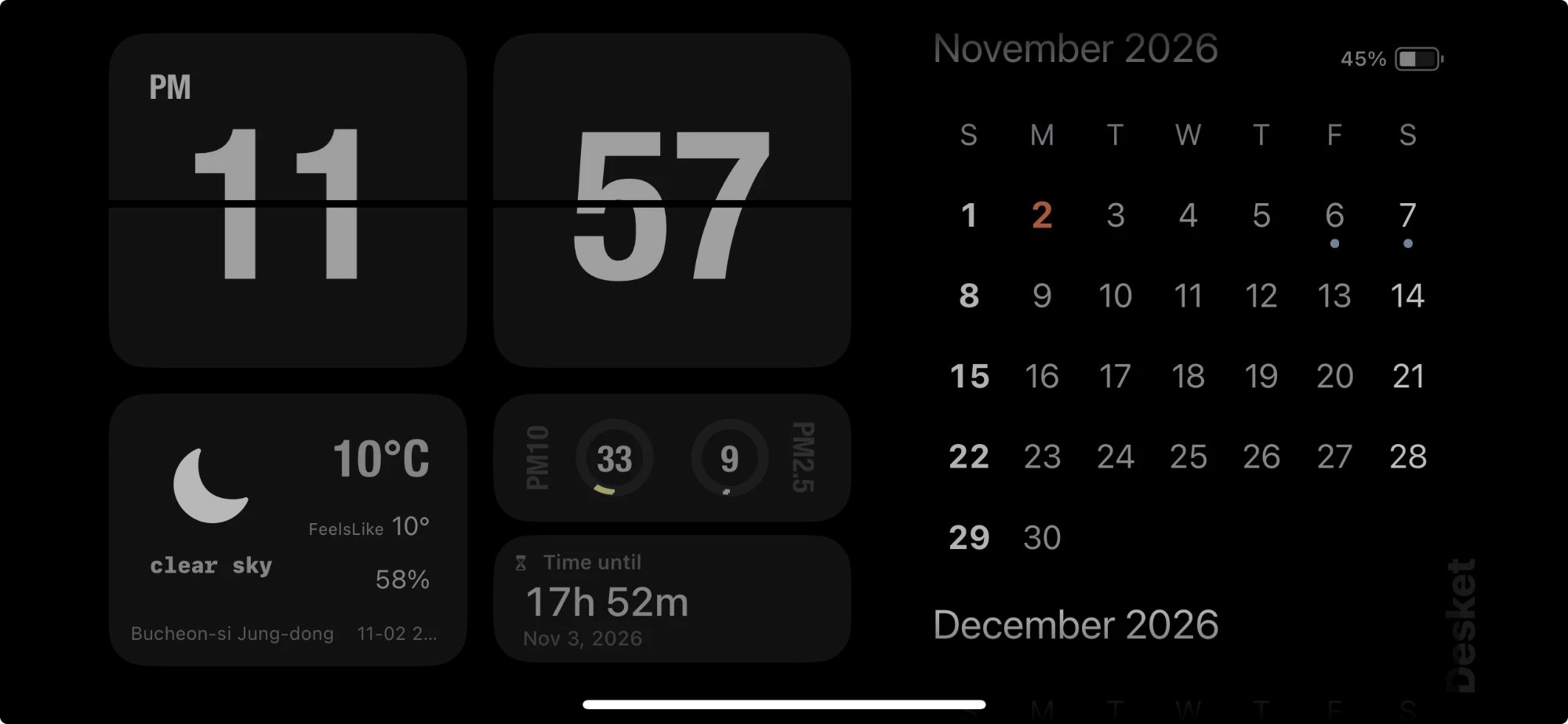
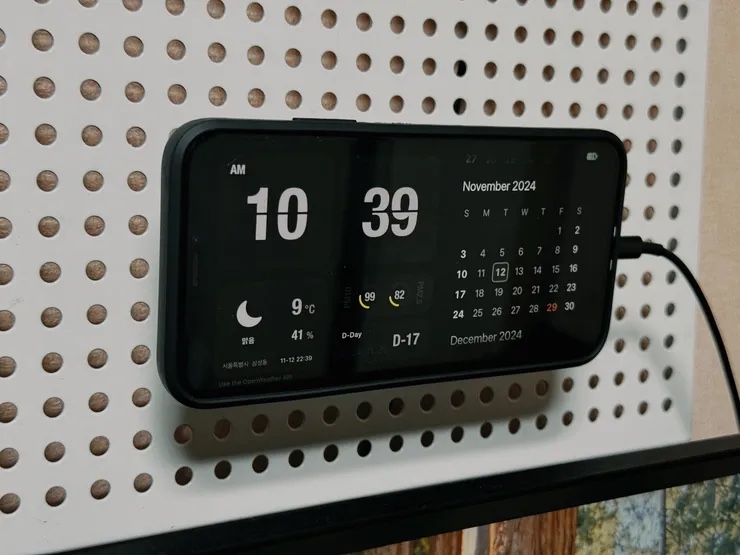
More than a clock — Put a spare iPhone or iPad on a charging stand and it becomes a multi-function desk clock: time, weather, air quality and the dates that matter, all on one screen. Works in portrait and landscape.
Flip clock
A big digital flip clock you can read at a glance, with AM/PM so day and night are easy to tell apart. Toggle seconds and set the theme and accent color.
Weather & forecast
Shows the weather for your location with a clear icon, plus temperature, feels-like, humidity and an hourly forecast — handy when getting ready to go out. You can also set a location yourself.
PM10 & PM2.5
Fine dust (PM10) and ultrafine dust (PM2.5) levels sit next to the weather, so you can see the current air quality at a glance.
D-day countdown
See how much time is left until an important date or anniversary. A date set as D-day is also marked on the calendar.
Calendar
The monthly calendar highlights today so it is easy to find. Apple Calendar events show as dots under each date; tap a date to see them.
Timer
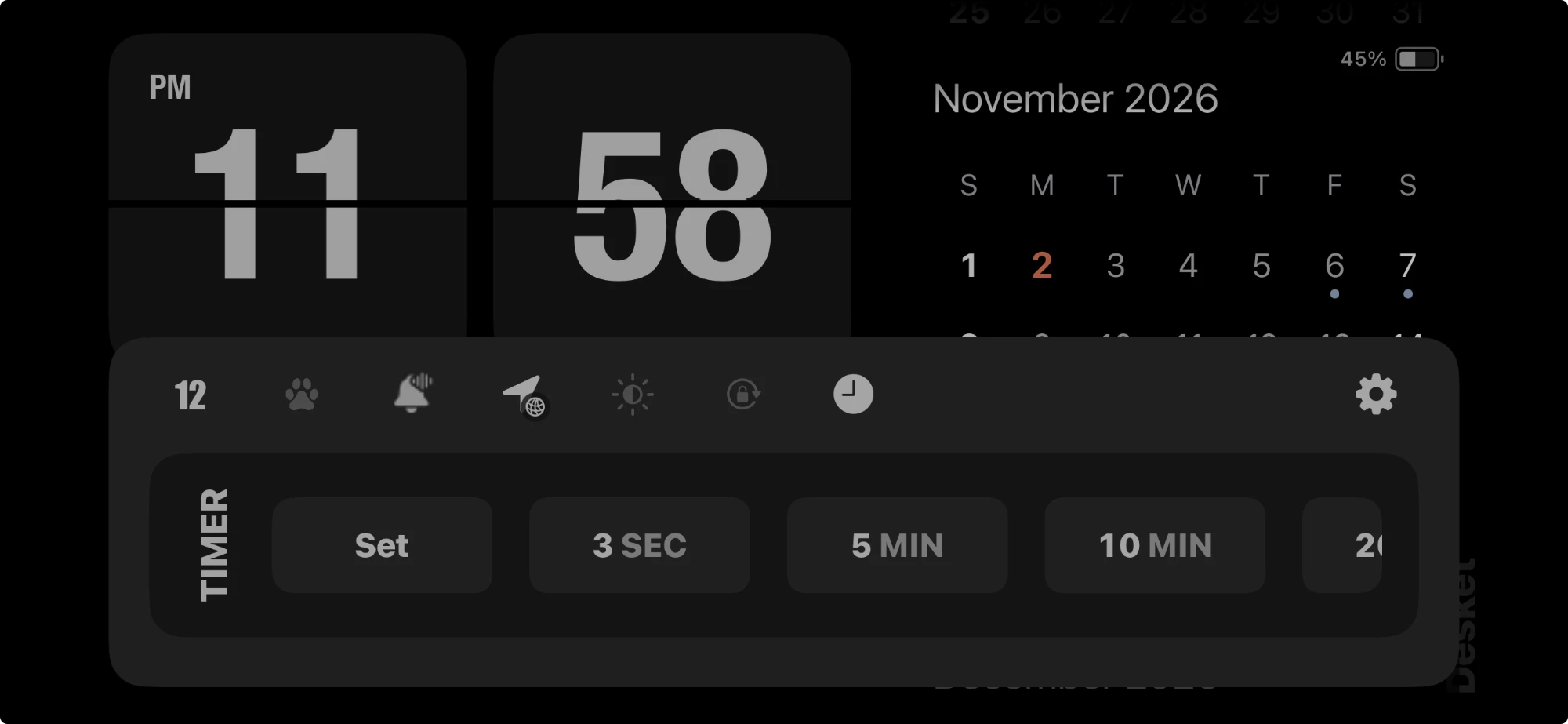
Start a timer right from the clock screen, with presets such as 3 seconds, 5 minutes and 10 minutes or a time you set yourself. It alerts you with vibration and sound, which you can turn on or off in settings.
Notes & info cards
Keep notes and info cards on the clock screen, and adjust each card's visibility and transparency.
Brightness schedule
Automatically adjusts screen brightness by time of day so it is easy on the eyes at night.
Tip: open Desket automatically when you charge
With a Shortcuts automation on iPhone, Desket can open by itself every time you plug in the charger.
- Open the Shortcuts app.
- Go to the “Automation” tab at the bottom.
- Tap “+” at the top right and choose “Charger”.
- Select “Is Connected”, turn on “Run Immediately”, turn off “Notify When Run”, then tap “Next”.
- Choose “New Blank Automation”, add “Open App”, pick Desket as the app, and tap “Done”.
From now on, Desket opens whenever you connect the charger. You can also add conditions in Shortcuts to fine-tune the behavior. Menu names may differ slightly by iOS version and language.
Languages
Desket supports Korean, English, Japanese, Spanish, Simplified Chinese and Traditional Chinese. You can change the language inside the app.
Requirements
- Devices
- iPhone, iPad
- Minimum iOS
- iOS 15.6
- Current version
- 1.20
- Permissions
- Calendar (to show events), Location (to show weather)
Weather data is provided by OpenWeatherMap.